Its own price
Charge more for a bigger size or a special color. The page shows the right price for what is picked.

Add color and size, or any options you like. Pagejar makes every combination for you, and each one keeps its own SKU, price, stock and photo.
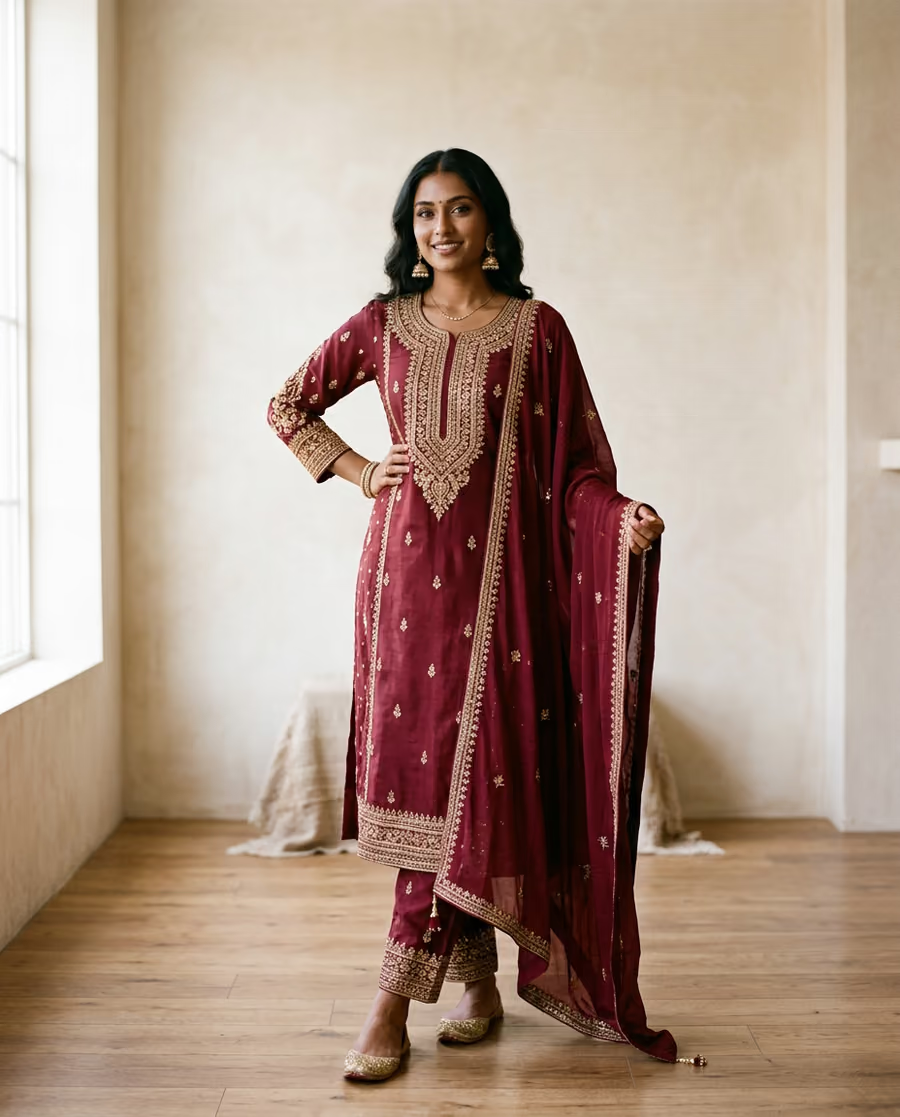 Maroon / MZR-MAR-M৳2,45012 leftMaroon / LZR-MAR-L৳2,4503 left
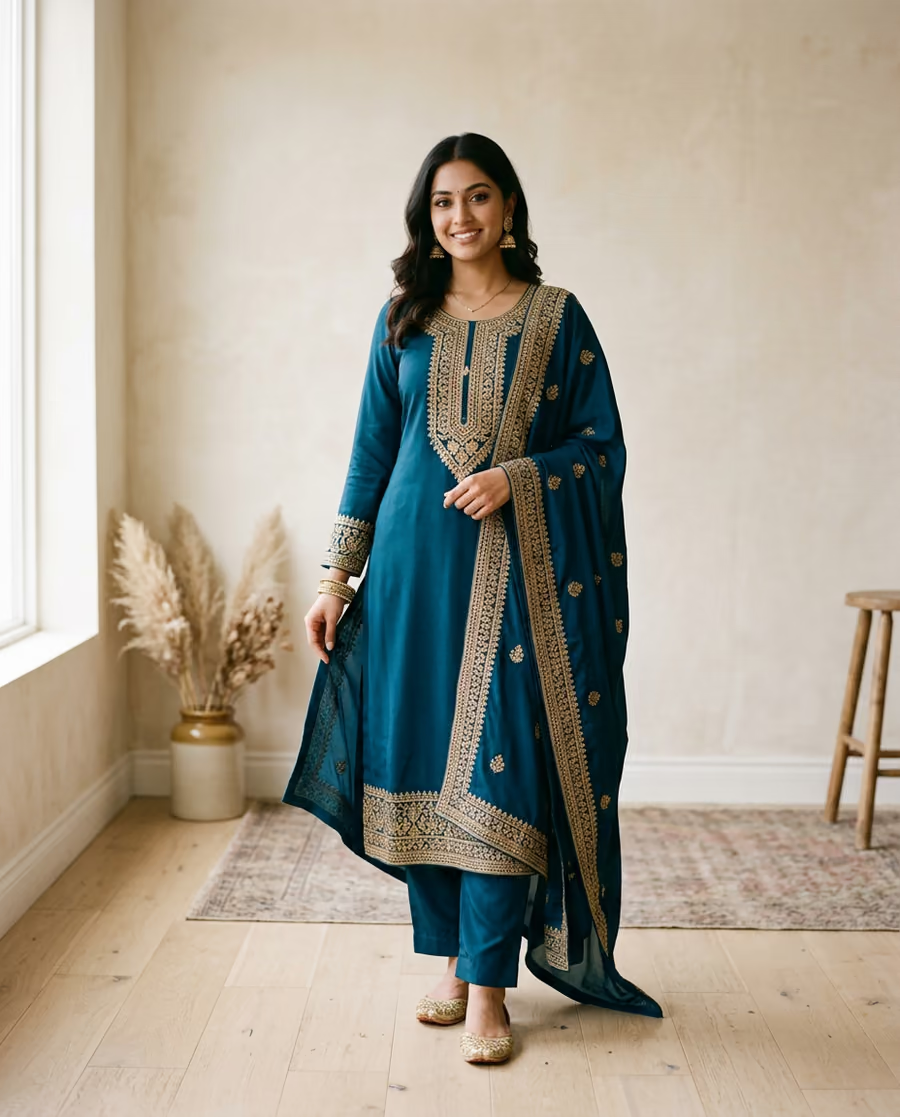 Blue / MZR-BLU-M৳2,4508 left
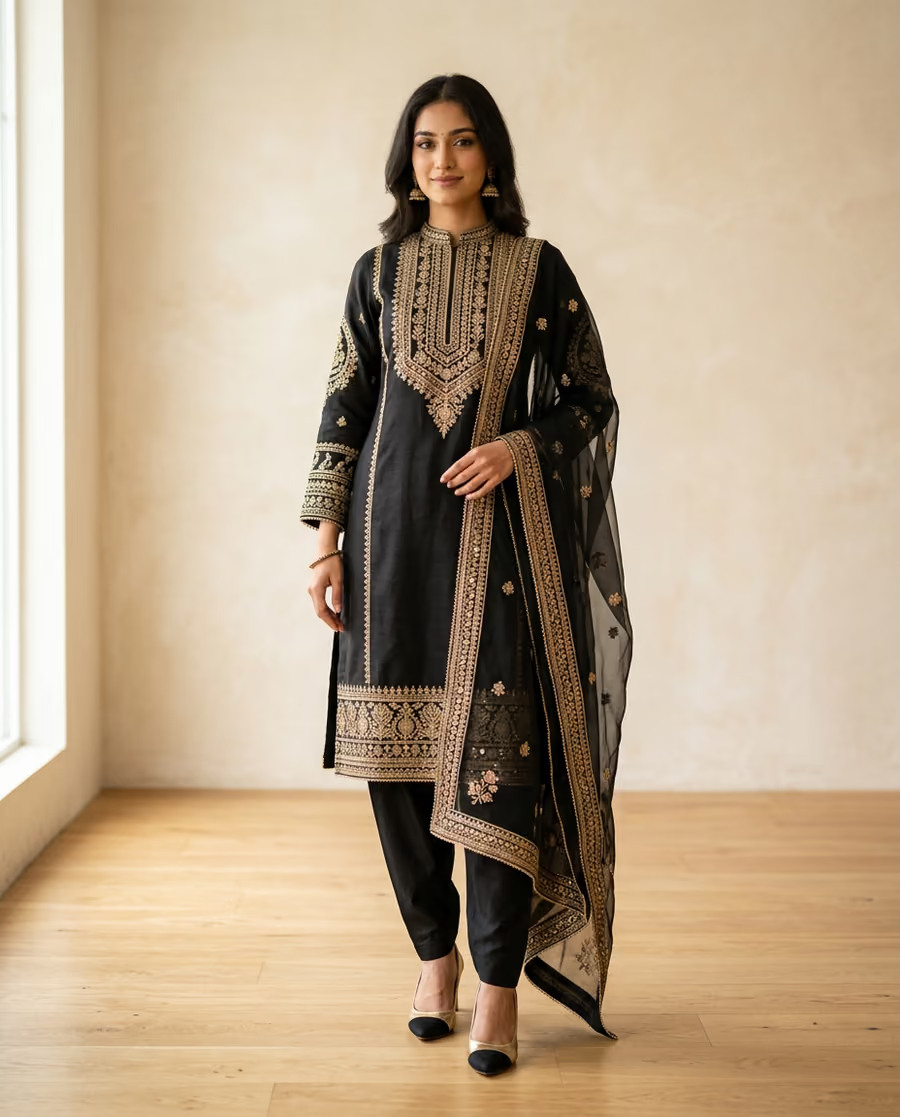 Black / LZR-BLK-L৳2,650Out of stock
How it works
Say what the customer chooses, like Color and Size, and list the values for each.
Each combination becomes a variant, such as Blue / M or Black / L, ready to fill in.
Give each one a SKU, price, stock and photo, or set a price or stock for all of them at once.
The details
Charge more for a bigger size or a special color. The page shows the right price for what is picked.
Show the blue one when a customer picks blue, so they know what is coming.
Count each combination apart. Set 0 on one you do not sell and the page shows it as out of stock.
Each order takes its stock in the same step it is saved. If the last piece is gone, the next customer is told.
Stock goes down with each order and back up when you cancel one, so your count stays right.
A customer can order up to 10 different variants at once, such as two colors in two sizes.
Questions
No. Leave the options empty and the product has one price and one stock count.
The combinations are rebuilt, and the ones that stay keep their SKU, price, stock and photo.
Only one gets it. Stock moves in the same step the order is saved, so it can never go below zero, and the other customer's order does not take stock it cannot have.
No. A SKU is optional. Use one if you already have your own product codes.
Up to 60, from up to 3 options with up to 20 values each.
More features
Edit on the page, save drafts, restore
Learn more →Pages open fast, anywhere
Learn more →Bot check and a daily limit per phone
Learn more →Meta, TikTok and Google on your pages
Learn more →Build and edit pages by chat
Learn more →Everything in one list
See them all →Add your options once. Pagejar makes the combinations and keeps the count.